Everything you need to know to plan a branding photoshoot that reflects your style, elevates your website design, and connects with your dream clients.
If you’ve been thinking about booking a branding photoshoot but you’re not sure where to start — this post is for you. As a Showit website designer, I can tell you: the right photos make your brand pop online. They tell your story, connect with your audience, and make your marketing look polished without you having to overthink it.
In this guide, I’ll walk you through how to plan your branding photoshoot, what to wear, how to make the most of your images, and how your photos tie directly into your website design.
What is a Branding Photoshoot?
A branding photoshoot is a professional photo session designed to capture the essence of your brand — your personality, style, and business vibe — in a way that resonates with your dream clients. Think of it as your brand’s visual handshake.
Instead of stiff headshots, branding photos are lifestyle-oriented, featuring you in your element — whether that’s working at your desk, meeting clients, or sipping coffee in your favorite cozy café.
Why Branding Photos Matter for Your Website
Branding photos aren’t just “nice to have” — they’re a powerful tool for your website design. Your site is often the first place people meet your brand, and the imagery sets the tone before they even read a word.
- They create instant connection. Visitors see you and instantly feel more familiar and trusting.
- They make your website design cohesive. Photos styled with your brand colors and vibe blend seamlessly into your layout, making the entire site feel elevated.
- They speed up your launch. When you already have a gallery of on-brand images, I can plug them directly into your design so your site comes together faster.
How I Help My Clients Plan for Their Branding Photoshoot
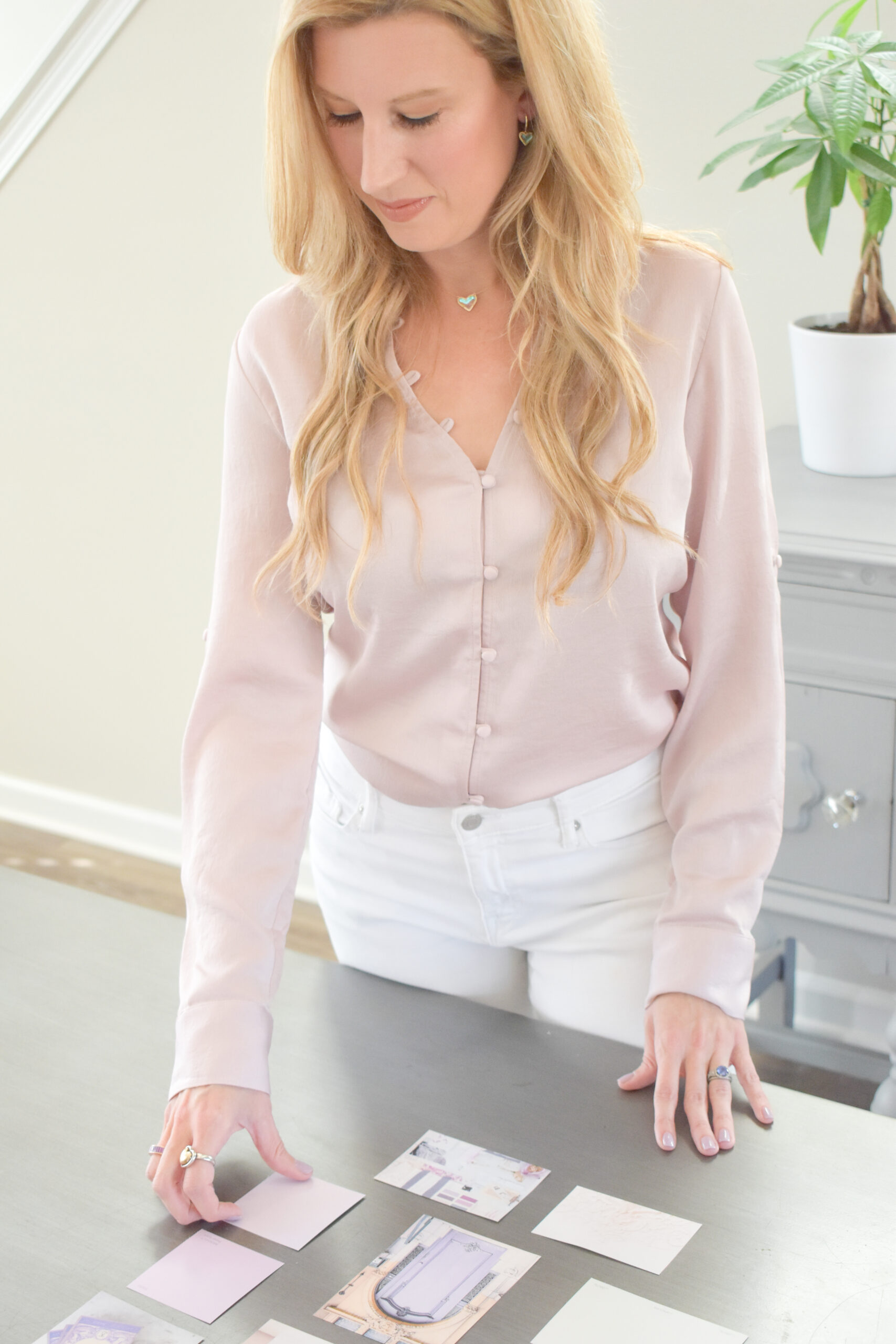
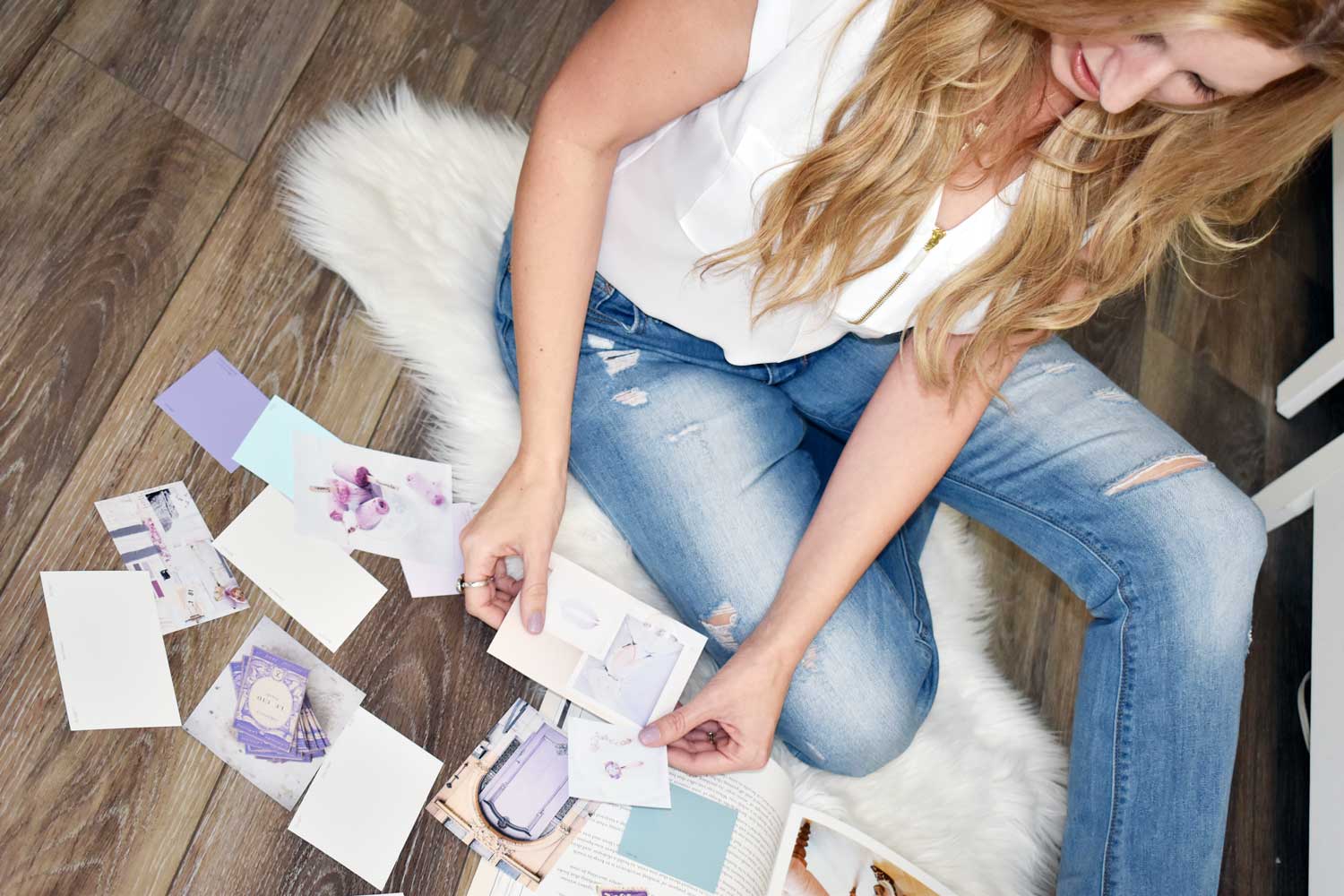
One of my favorite parts of working with clients is creating their Brand Lookbook. This is a customized guide with your brand colors, typography, and style inspiration — and it’s perfect to share with your photographer before your shoot.
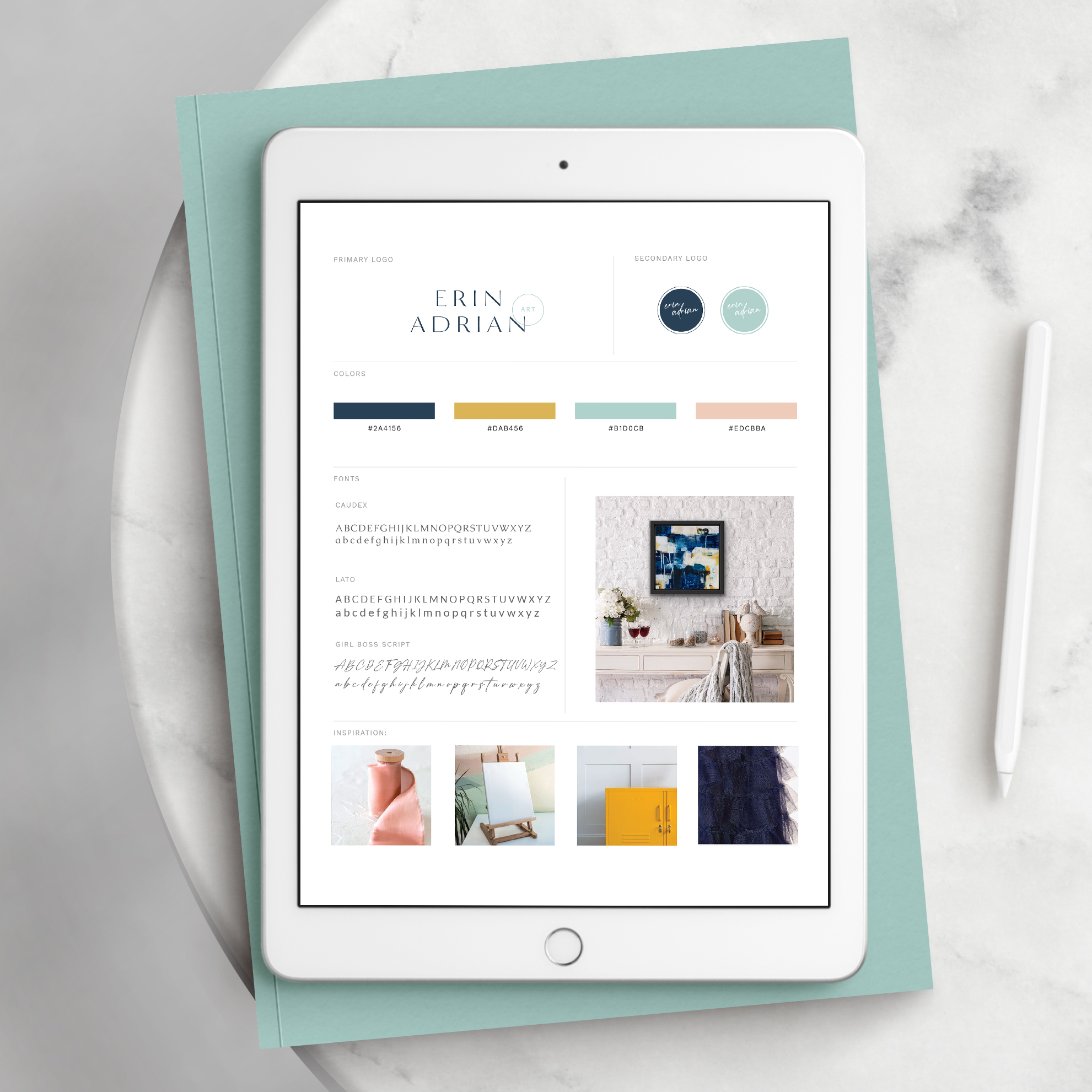
That way, your photos will naturally complement your website’s color palette and design style. You won’t have to guess what to wear or what props to bring — it’s all right there in your lookbook.
How to Plan Your Branding Photoshoot
Step 1: Define Your Brand Style
Before you book a photographer, know the look you’re going for. Are you modern and minimal, cozy and approachable, or bright and fun? Your photographer will use this vision to guide location, lighting, and posing.
Tip: Create a Pinterest board of poses, outfits, and color palettes — and include pages from your Brand Lookbook if you have one.
Step 2: Choose the Right Photographer
Look for someone who specializes in branding photography. Check their portfolio to see if their editing style matches your vision.
Step 3: Select Your Locations
Choose 1–3 locations that reflect your brand. This could be your home office, a cute café, an outdoor park, or even a rented studio.
What to Wear for Your Branding Photoshoot
Choose Brand Colors
Wear clothing that aligns with your brand palette — this makes your website and marketing materials look seamless. (If you’re one of my clients, you’ll have these colors in your Brand Lookbook!)
Bring Variety
Pack at least 2–3 outfit changes: a casual look, a professional look, and a statement outfit that pops.
Keep Comfort in Mind
You want to look confident, but you also need to feel comfortable. Avoid anything too tight or scratchy.
Must-Have Shots for Your Branding Photoshoot
- Headshots – A smiling, approachable image for your About page and social media profiles.
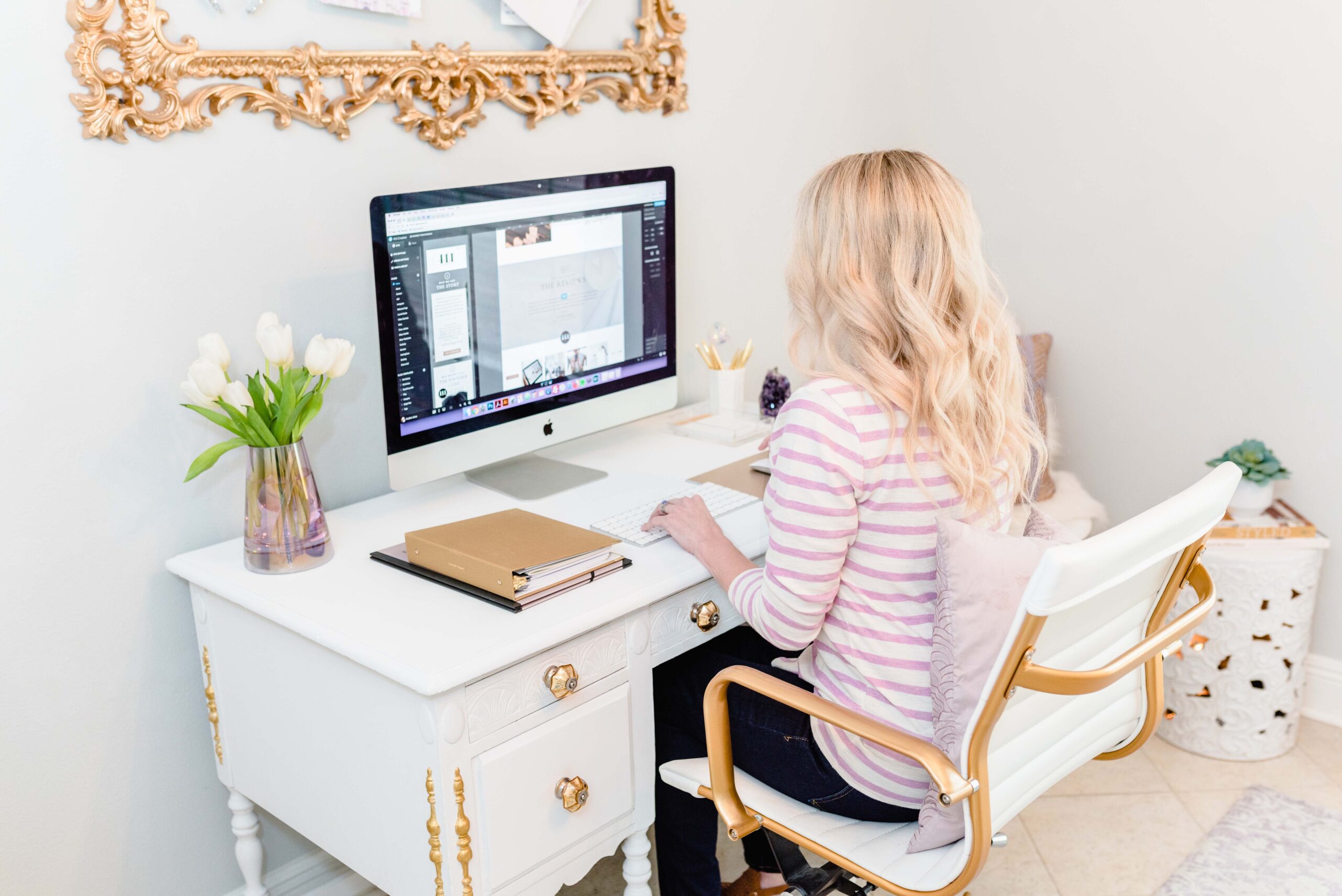
- Lifestyle Action Shots – You working at your laptop, writing notes, or chatting with a client.
- Detail Shots – Close-ups of your hands, desk, tools, or products.
- Vertical & Horizontal Images – Useful for different formats like Pinterest pins, banners, and email headers.
How to Use Your Branding Photos
On Your Website
Place them in key areas like your homepage hero section, About page, and even your contact page. This helps create a welcoming, professional feel from the very first click.
On Social Media
Rotate them through posts, Reels covers, and story highlights.
In Marketing Materials
Use them in your email newsletter header, lead magnets, and presentation slides.
Related Articles:
The Power of Personal Branding: Why Your Website Needs to Reflect YOU
Top Stock Photo Websites for 2025
Final Thoughts
A branding photoshoot is one of the best investments you can make in your business — especially when your photos are designed to work hand-in-hand with your website design.
If you’re one of my clients, your Brand Lookbook will take the guesswork out of planning your shoot so your photos and website feel like a perfect match. Your future self (and your audience) will thank you when you have a library of beautiful, on-brand images at your fingertips.
Like the post? Share on Pinterest!